
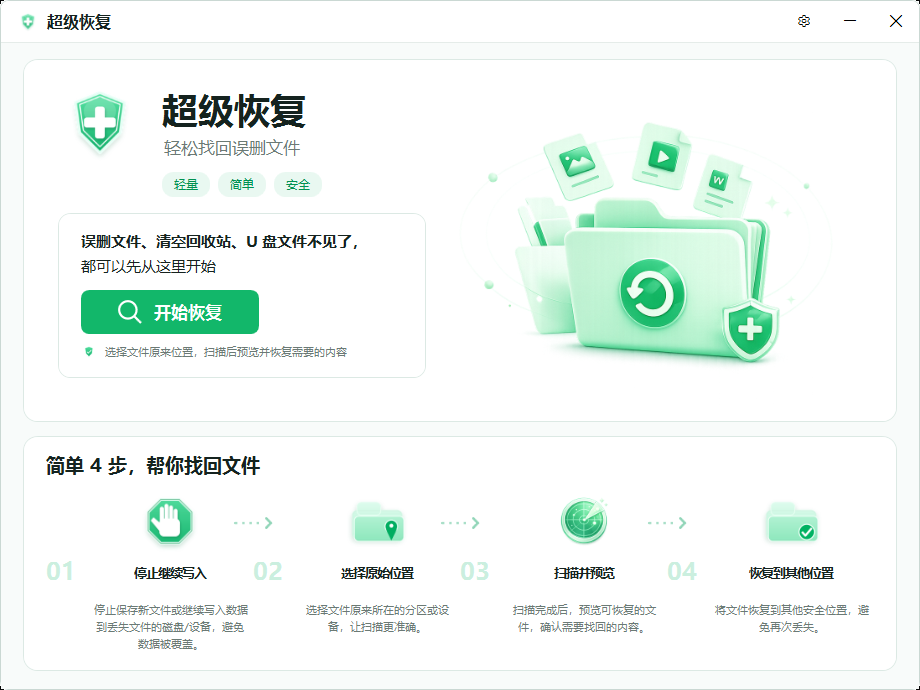
Stop these operations immediately
New writes and changes to source structures reduce what can be recovered. Avoid large downloads, repartitioning, formatting, disk repair, defragmentation, and saving recovered files to the source.
- Pause synchronization, updates, and large installations when files were on the system drive.
- Cancel format prompts for external media.
- Stop powering a device that disconnects or makes unusual noises.
Decide whether software scanning is appropriate
A drive with stable capacity, sustained reads, and no hardware warning signs can be assessed read-only. A device that disappears, freezes during reads, or clicks should not be subjected to repeated full scans.
Prepare the scan and destination
Prepare another drive with enough free space, then scan the original location. Use previews to narrow the selection and recover only what is needed. Open recovered files afterward because a scan hit does not prove completeness.
Common question
Why can I not recover to the original drive?
Writing to the source may overwrite data that has not been scanned or recovered, so choose another drive or volume.